
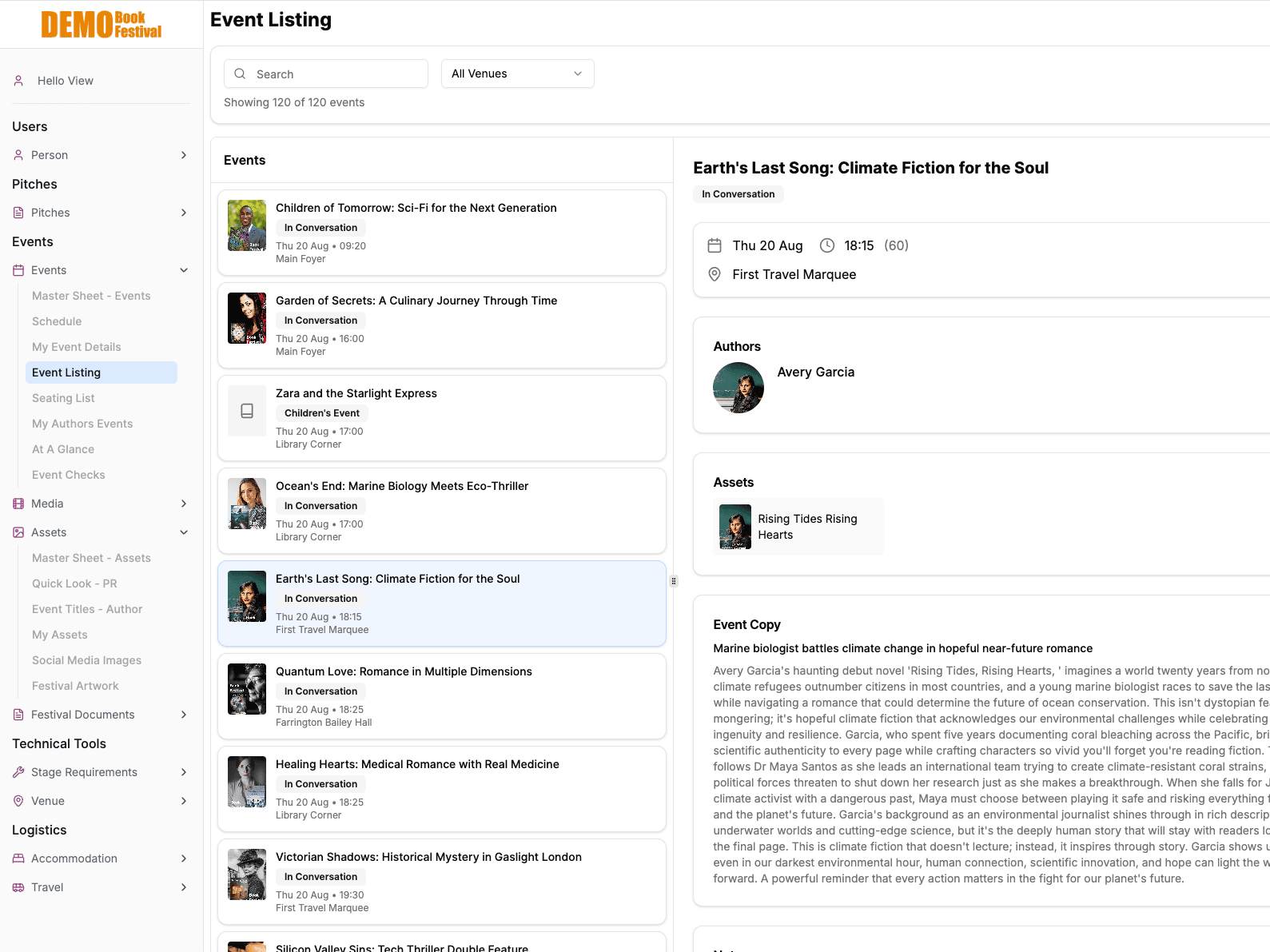
Your festival is relational. Your tools should be too.
Every event has authors, venues, equipment, and logistics. In a spreadsheet these live in separate tabs. In Planner they’re connected, so a change in one place updates everywhere.
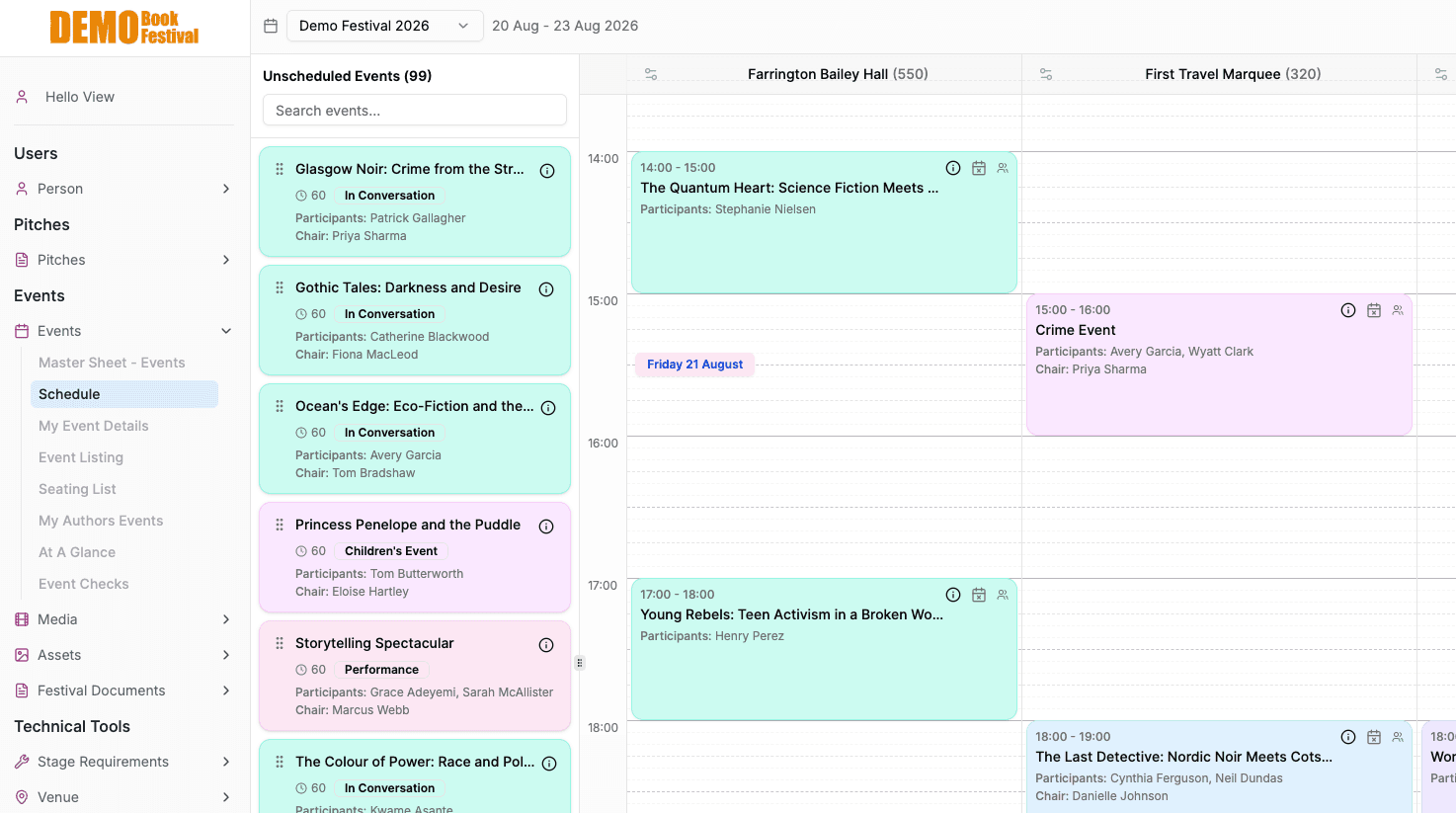
Events & Scheduling
Drag events onto a visual schedule grid. Each event links to its authors, venue, chair, and equipment, so nothing is ever re-entered across tabs. Clash detection flags any two events that overlap for the same person.
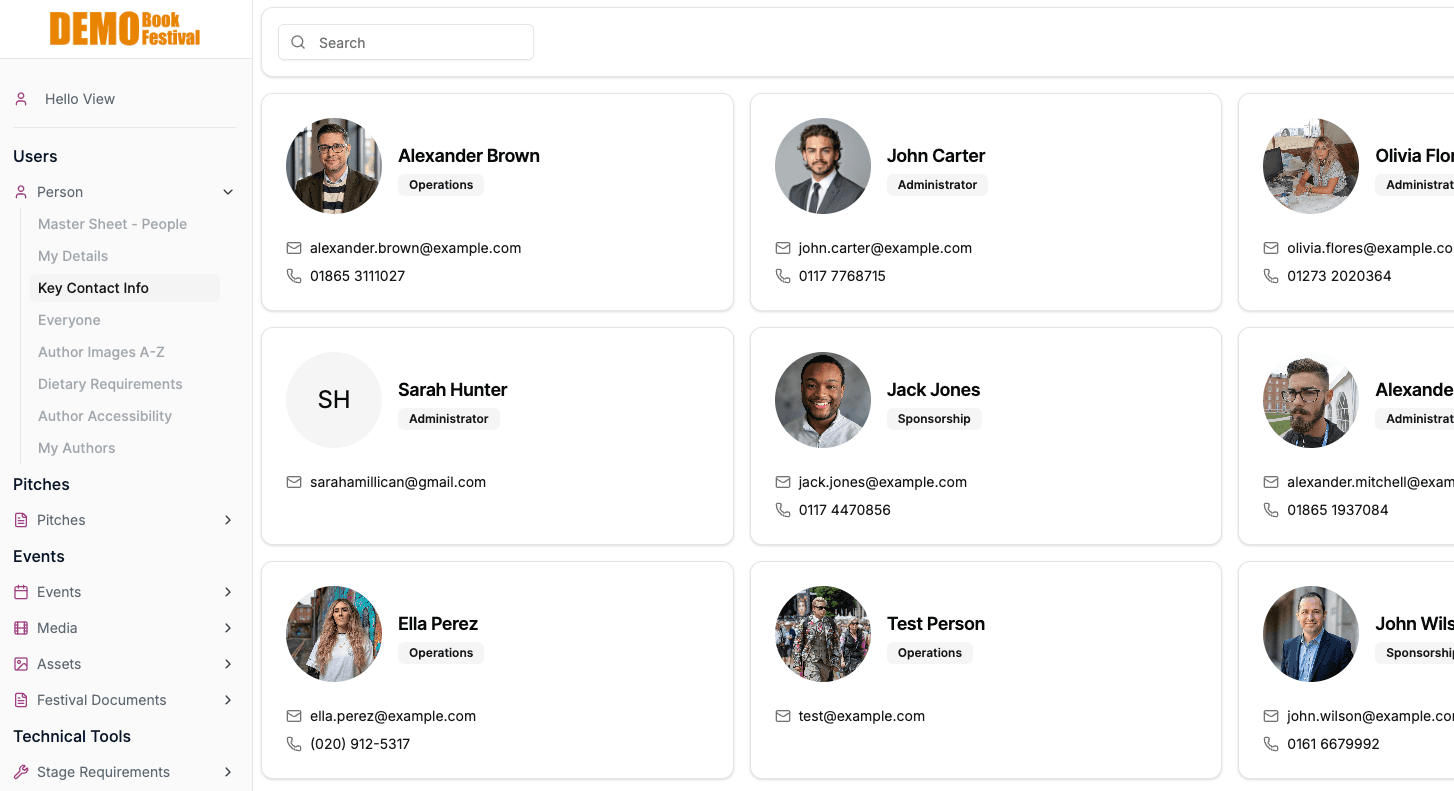
People & Custom Fields
Authors, chairs, technicians, sponsors: everyone in one place with contact info, roles, and linked events. Add your own custom fields to any record, so the system holds exactly what your festival cares about. Search, filter, and manage from a single view.
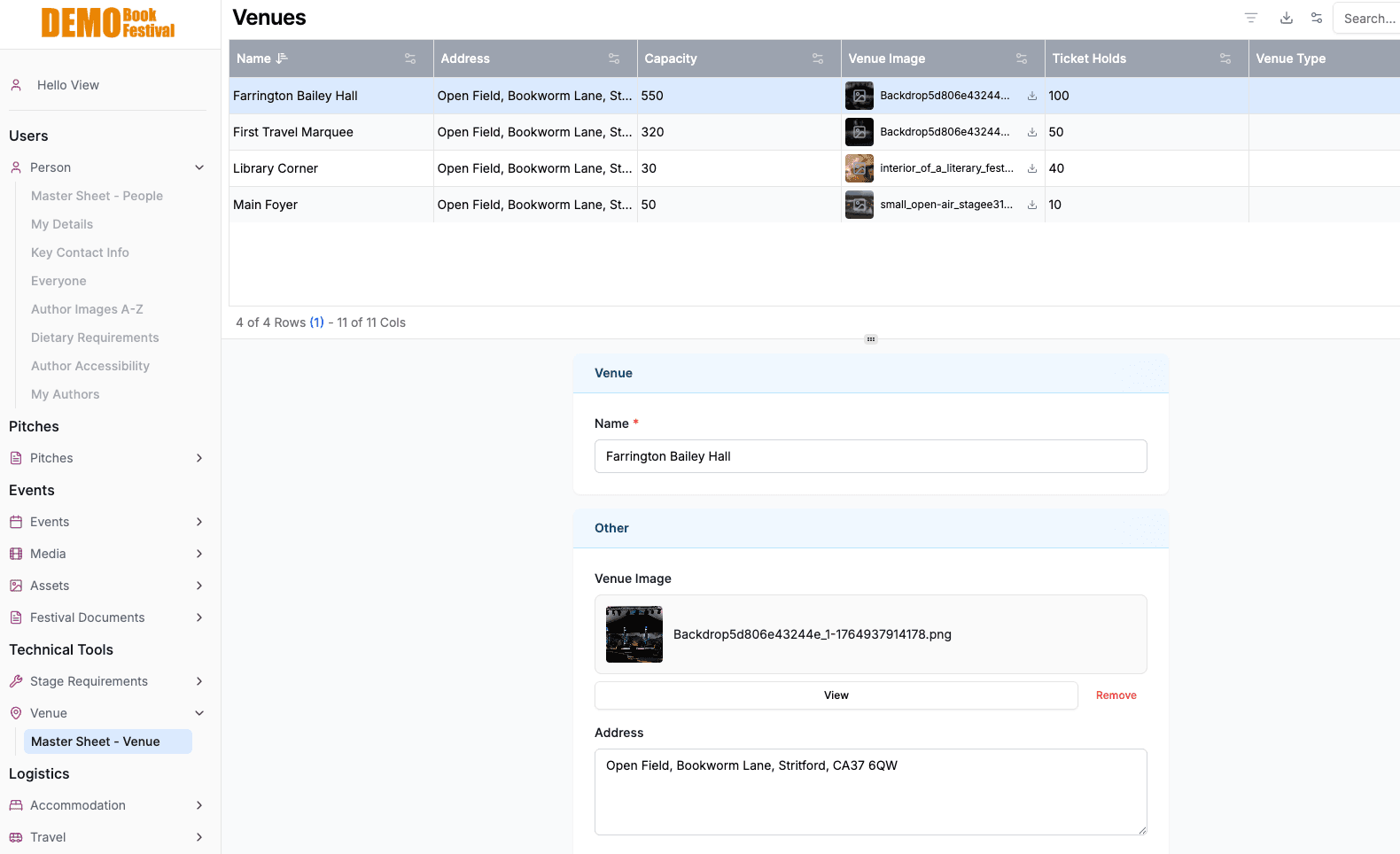
Venues & Equipment
Track every venue with capacity, address, images, and ticket holds. Link events to venues and manage stage requirements in one place.
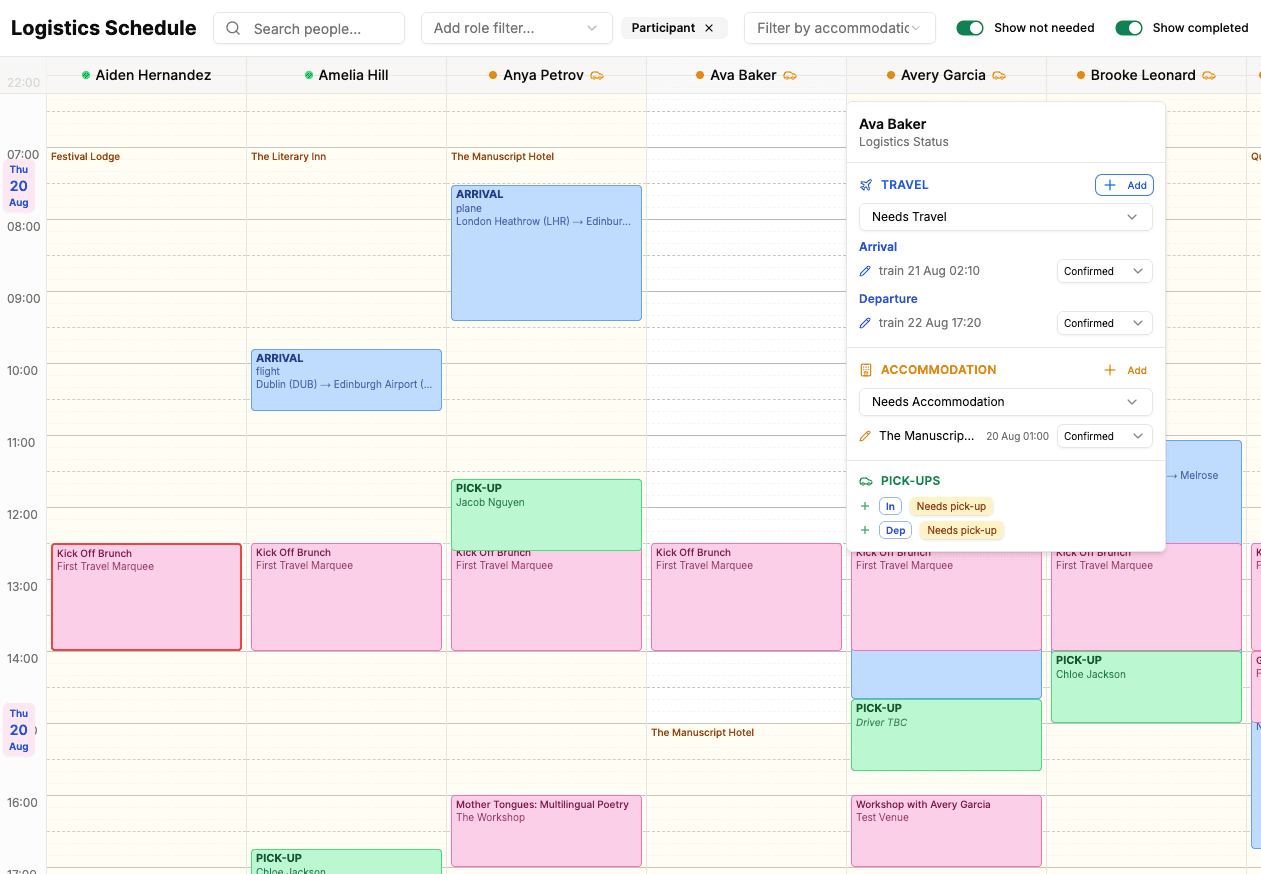
Logistics, End to End
Travel, accommodation and driver pick-ups, joined up on one schedule. Share a room without breaking the occupancy count, drag pick-up runs onto drivers, and see at a glance who still needs arranging.
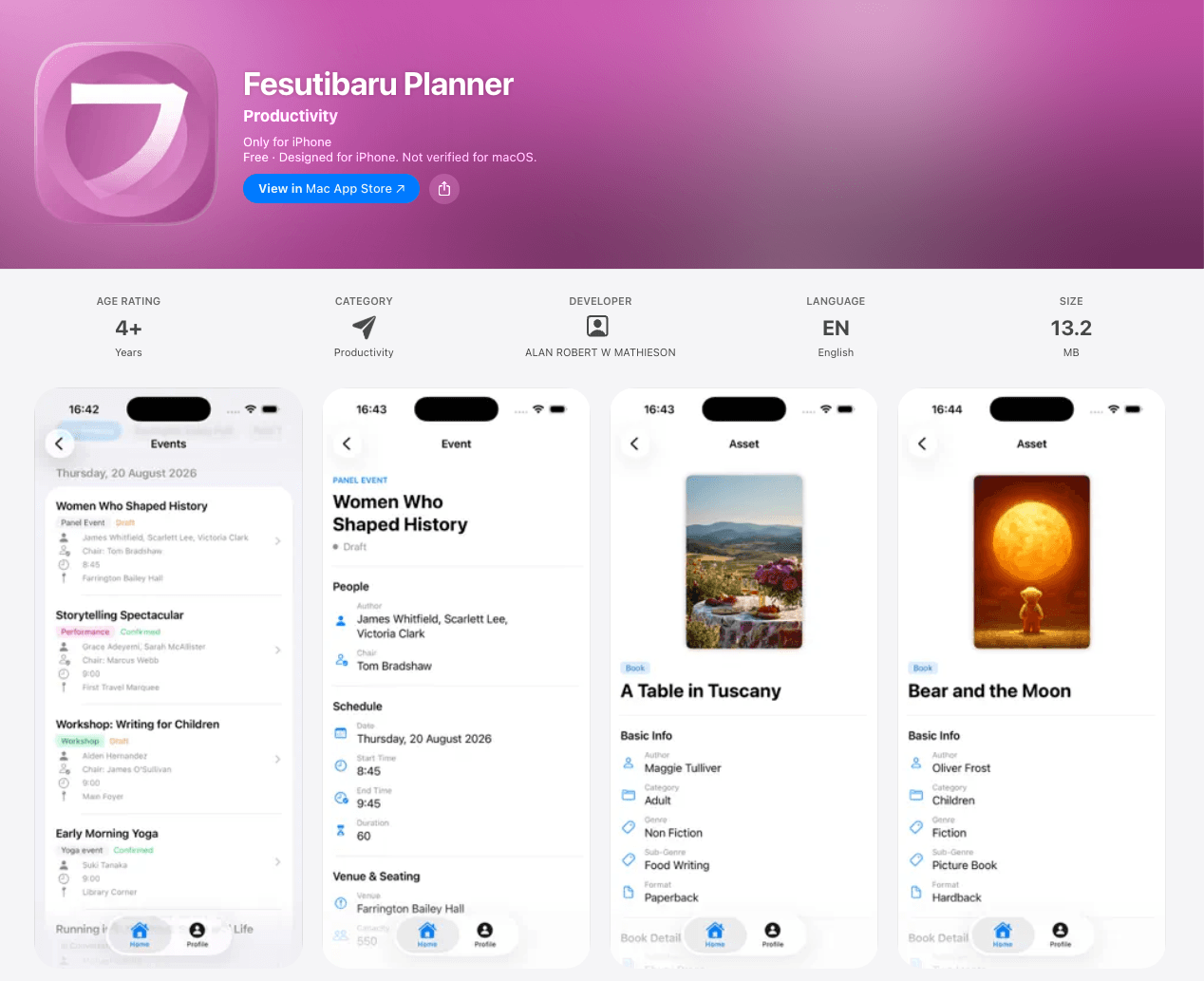
Native Mobile Apps
Planner goes where your team goes. Native apps for iPhone and Android, on the App Store and Google Play, with the same role-based home screen and live data as the desktop. A driver sees pick-ups; an author sees their schedule; an admin sees everything, and can view the app as any team member.
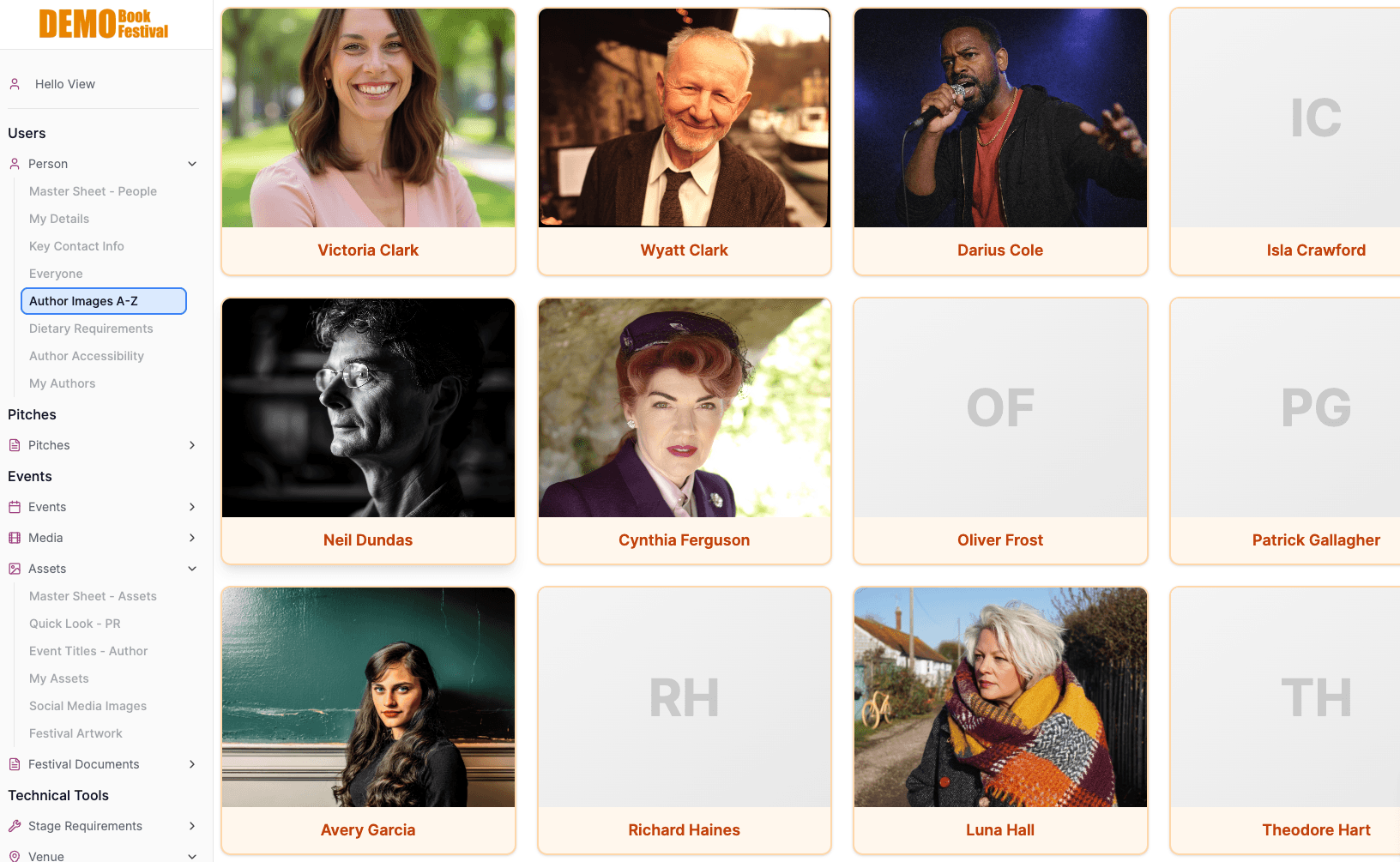
Dynamic Views
Author images, event listings, asset galleries: the same data presented in purpose-built views for different tasks. Browse visually or drill into detail.
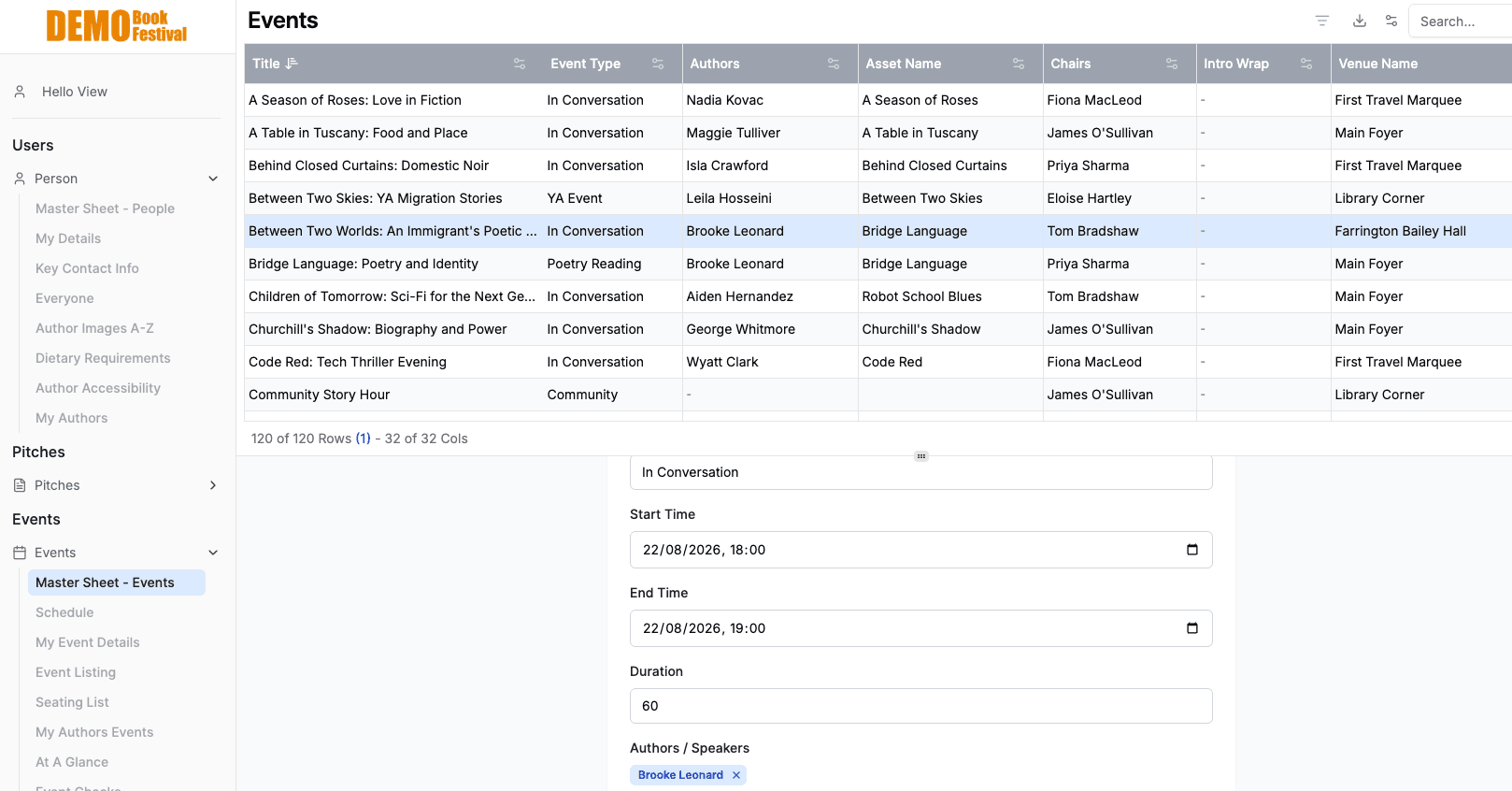
Real-Time Updates
120 events, 32 columns of linked data, all live. Change an author, a venue, or a time and it updates everywhere, across every view, for every user.
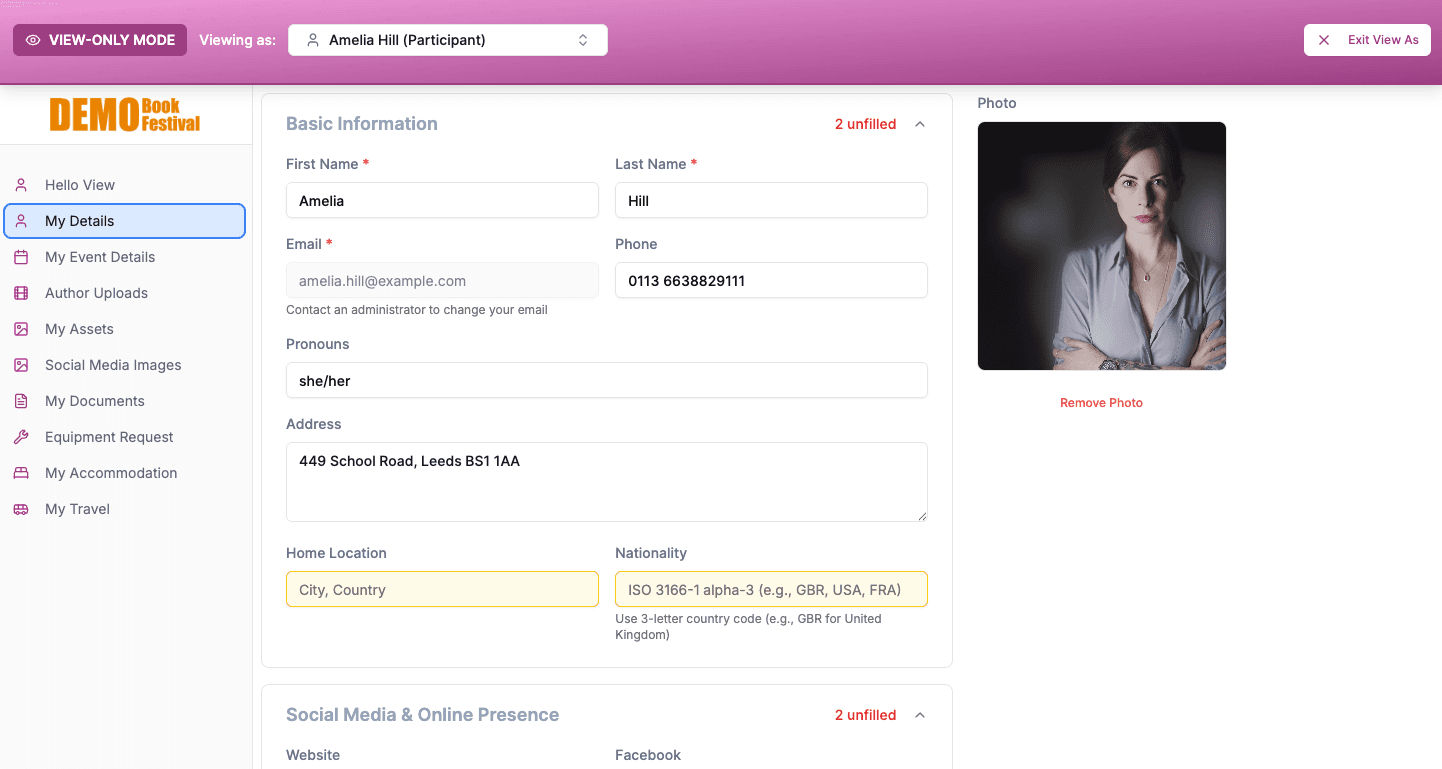
Role-Based Access
Authors see their own details, schedule, and uploads. Administrators see everything. Each role gets a tailored view with only the tools they need.
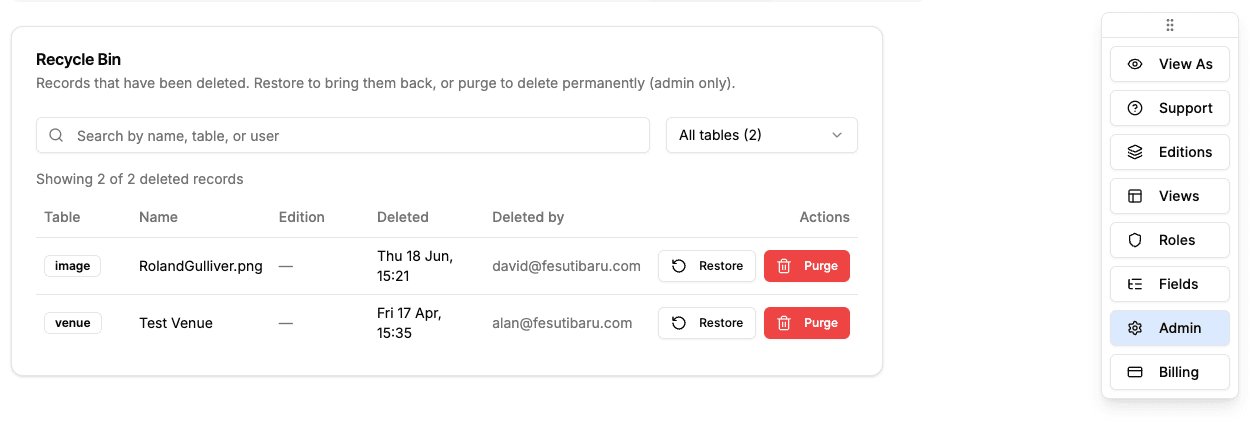
Never Lose Anything
Every delete is reversible and every change is traceable. A recycle bin holds deleted records for 30 days, and a full audit log shows who changed what, and when. Bulk-edit in a spreadsheet and import it straight back.